TV stand for a 65-inch TV: the dimensions that make the screen look right on the wall
The most common mistake with a 65-inch television is buying a 60-inch stand. The number on the box refers to the diagonal of the screen, not its width, and that confusion leads to stands that are either far too wide or barely wider than the TV itself. Choosing a TV stand for a 65-inch TV is a matter of a few precise measurements: the real size of the screen, the width and depth of the stand, the height of the top and the distance from the sofa. Get those right, and the screen looks like it belongs on the wall.
How big a 65-inch TV really is: width, height and weight
A 65-inch screen in the standard 16:9 format is about 57 inches wide and 32 to 33 inches tall without its stand, with small variations depending on the thickness of the frame. Mounted on its feet, it typically reaches 35 to 37 inches in height. Weight varies with the technology, but most current 65-inch models fall between roughly 45 and 80 pounds.
These numbers are the starting point for everything else. The width determines the minimum length of the stand, the height decides how much of the wall the screen will occupy above it, and the weight must be within what the top of the stand, or the wall behind it, can safely support.
65 inch TV stand size: width, depth and height
The right size depends on whether the TV will sit on the stand or be mounted on the wall above it.
If the TV sits on its feet
When the television rests on the stand, the 65 inch TV stand has to be wider than the screen and deep enough for its feet. A width of at least 66 to 70 inches leaves a few inches on each side so the screen doesn’t overhang; 72 to 80 inches looks more balanced and leaves room for a lamp or objects at the ends. Depth should be at least 16 inches, and more if the feet are set wide apart at an angle. The top should be around 20 to 26 inches high, so the center of the screen ends up close to 42 inches from the floor, the comfortable eye level of an adult on a standard sofa.
If the TV is mounted on the wall
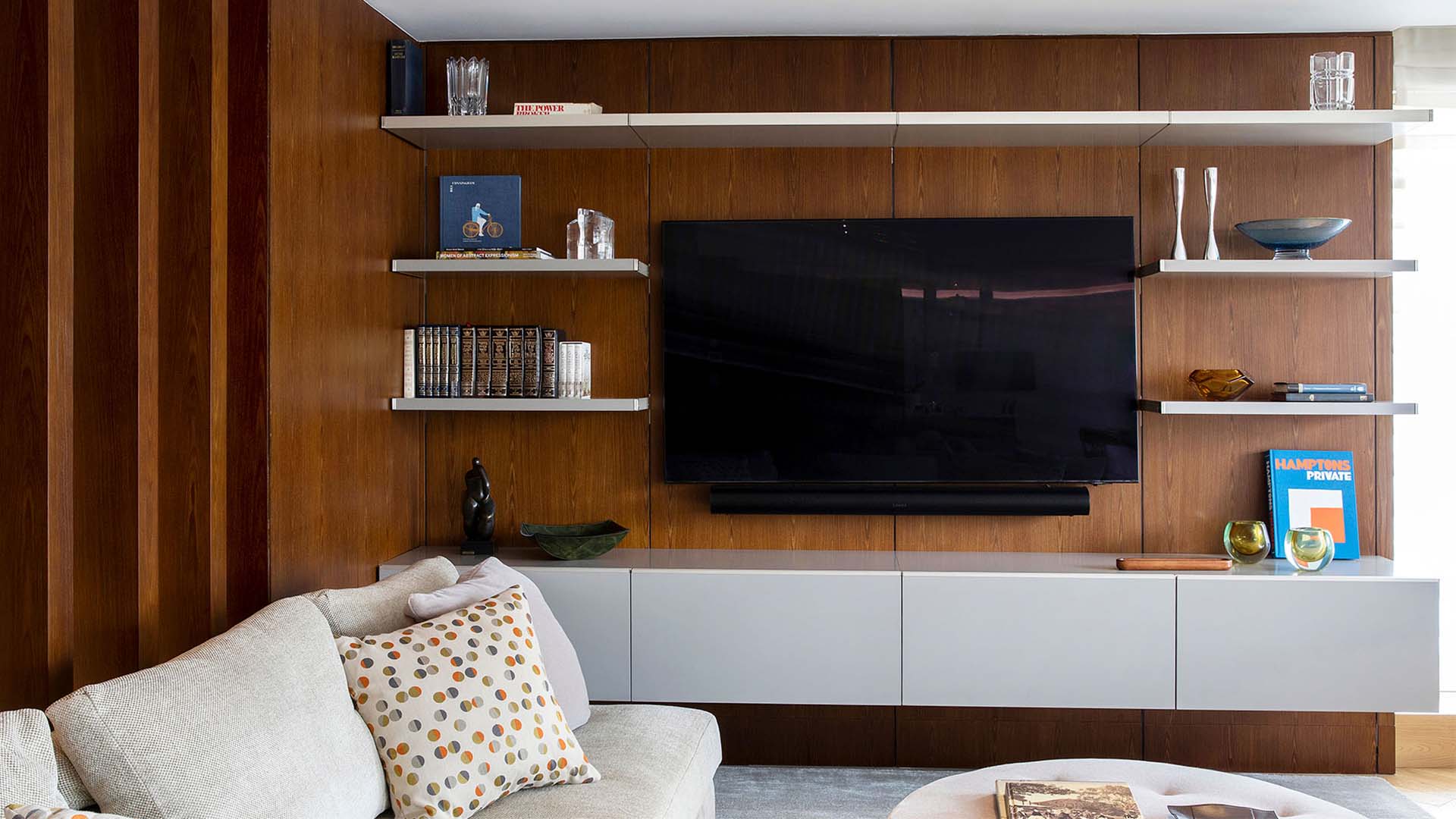
With a wall-mounted screen, the stand no longer carries the TV, and its proportions can be freer. It’s still best for the stand to be wider than the screen, usually 70 to 90 inches, so the two read as one composition. The top can drop lower, to about 18 to 24 inches, leaving 4 to 10 inches between the stand and the bottom edge of the TV. That gap is also where a soundbar can sit, so it should be planned with the soundbar’s height in mind.
Viewing distance: where the sofa should be in relation to the TV stand
The TV stand size is only half the equation; the other half is the distance from the seating. For a 65-inch 4K screen, a viewing distance of roughly 5.5 to 8 feet fills the field of vision without showing pixels or forcing the eyes to move constantly across the image. At less than 5 feet, the screen feels overwhelming; beyond 9 or 10 feet, it starts to look small, and a 75- or 77-inch model may be the better choice for the room.
The angle matters too. The center of the screen should be directly in front of the main seat, and viewers on the sides should sit within about 30 to 40 degrees of the center line, where image quality and color remain consistent. In an L-shaped seating arrangement, centering the TV on the longer side of the sofa usually gives the best result for the most people.
Soundbar, speakers and equipment: what the stand holds besides the screen
A 65-inch TV is almost always paired with a soundbar, which for this size is usually 36 to 50 inches wide and 2 to 4 inches tall. It needs to sit in front of or below the screen without blocking the bottom of the picture or the TV’s infrared sensor, which is why the gap between the top of the stand and the screen matters. Wireless subwoofers and rear speakers add other pieces to place, ideally inside or near the stand rather than on the floor.
Below the top, a media console of this size typically holds a streaming device, a game console, a receiver for those with a surround system, and the cables that connect them. Compartments with ventilated backs, cable openings and a closed front keep the equipment protected and the composition calm, while a shallow drawer for remotes and controllers avoids clutter on the top.
From TV stand to TV wall unit: how Ornare builds around the screen
For many living rooms, the 65-inch screen becomes the center of a larger composition. Ornare designs living room storage to the measurements of the actual wall, so the stand, the space around the screen and the shelving can be resolved together, with the exact size of the TV, its mounting position and the soundbar gap planned from the first drawing.
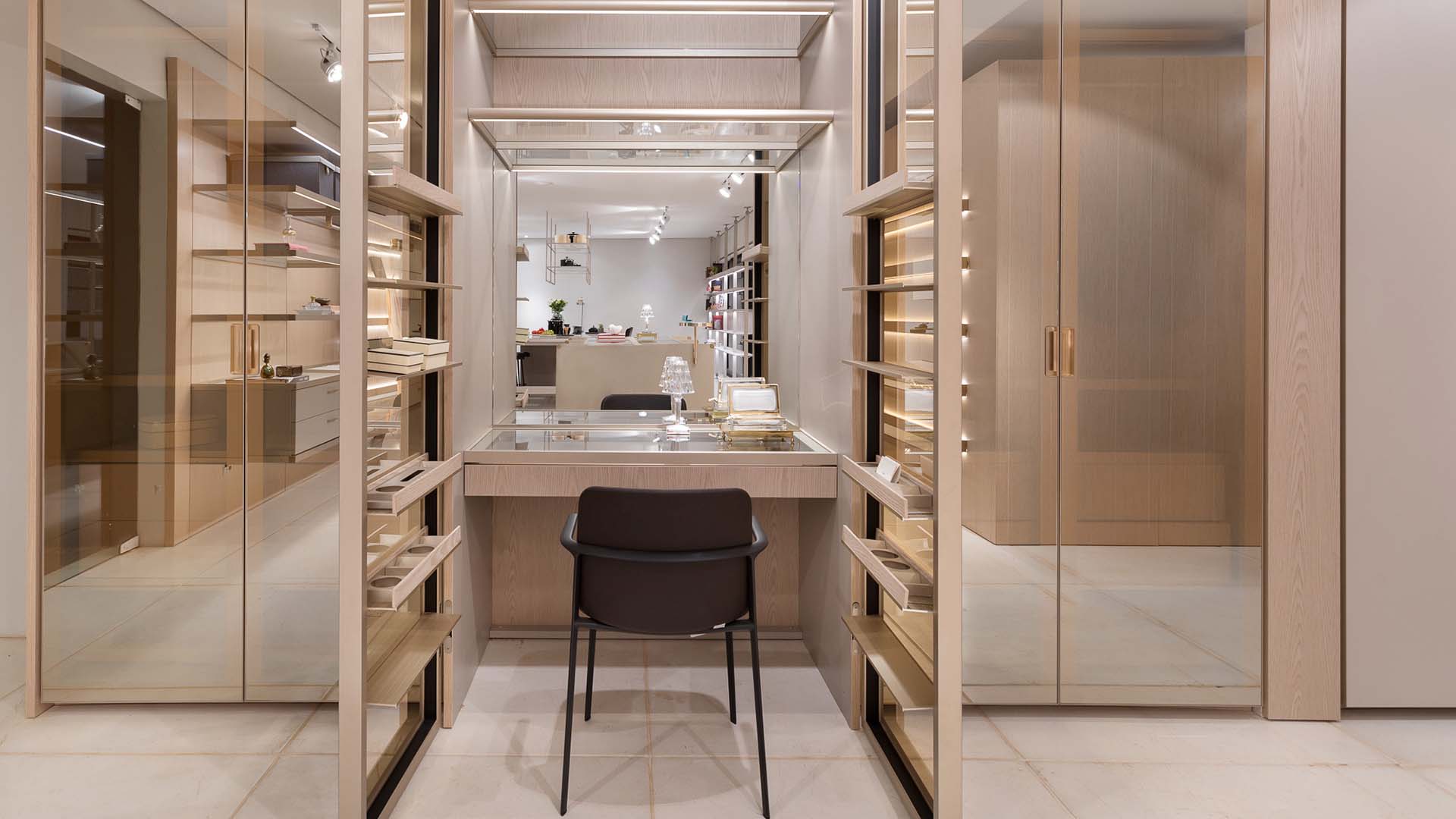
Its collections offer different ways to treat the screen in a TV wall unit. Square Wall combines vertical and horizontal panels, steel square shelves and integrated cabinetry elements, so the screen can be framed by a surface that extends across the whole wall. Ornare’s Timeless line builds the lower storage in solid wood and natural leather, with modules that combine doors, drawers, niches and worktops, giving the base under the TV a warm, permanent presence. And Ikigai uses slim vertical metal profiles and LED-lit shelves that can be closed with wooden sliding panels, so the wall can stay quiet when the TV is off.
Before choosing a stand for a TV that will sit on its feet, check one measurement that many people overlook: the distance between the feet. Some 65-inch models have feet set close to the outer edges of the screen, spanning 50 inches or more, and they need a stand at least that wide with a continuous top, not one divided into sections where a foot might end up over a gap.